A Better Online Booking Workflow for Automotive Workshops
How workshops can turn an online booking request into a confirmed, properly planned job instead of treating the form as the final schedule.
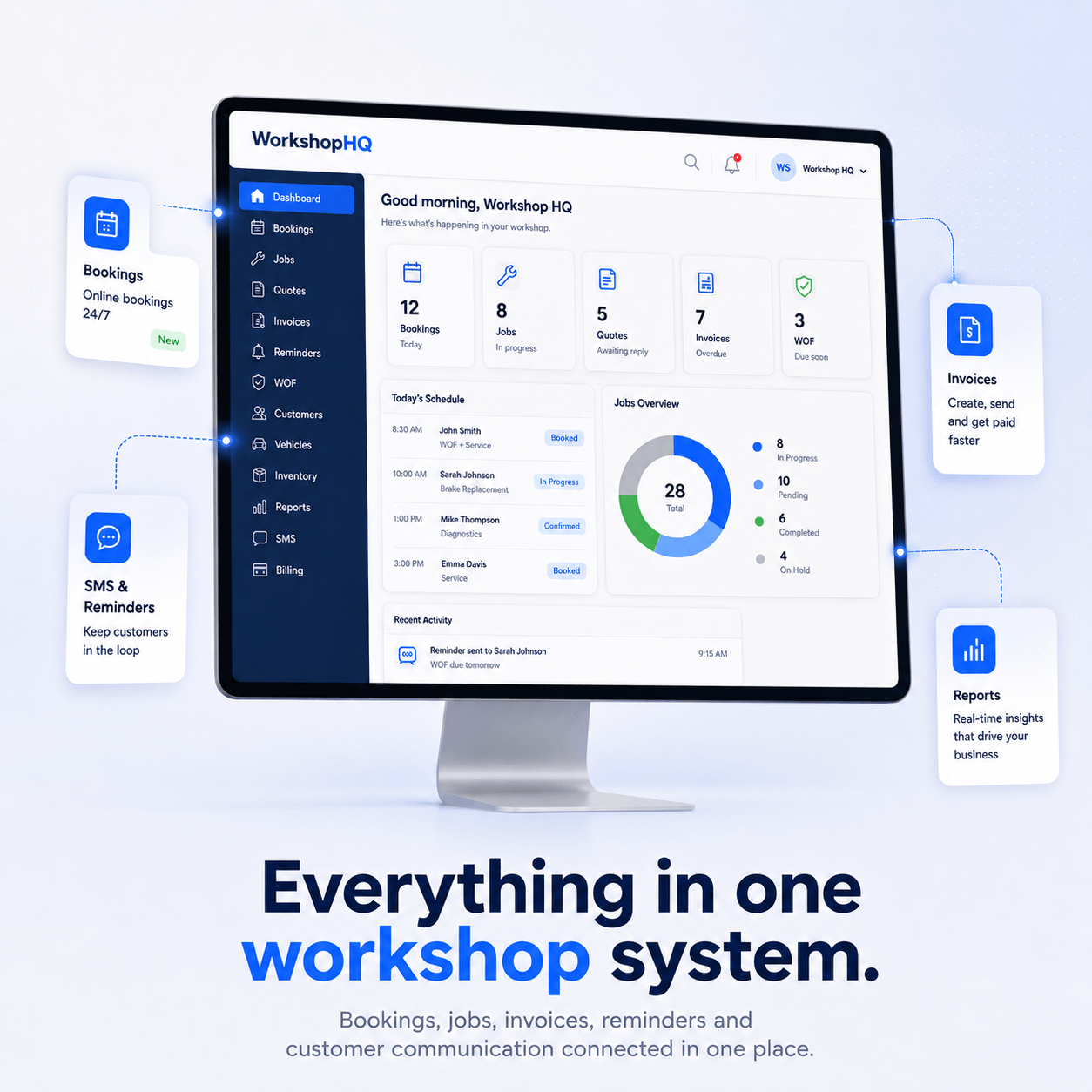
Online booking can save reception time, but only when the process between form submission and workshop schedule is clear. A booking request should provide enough information to plan the next step.
Collect the information you actually use
Ask for customer contact details, vehicle information, requested work and preferred date. Avoid collecting unnecessary details that staff never read.
Validate capacity before treating it as final
A requested time may not suit technician capacity, specialist work or parts availability. Decide whether online bookings are instantly confirmed or reviewed first and communicate that clearly.
Prevent unusable booking dates
Block past dates and days the workshop is closed. If you stop same-day online bookings, make that rule visible so customers understand why the date is unavailable.
Turn the booking into workshop work
- Confirm the appointment.
- Create or match the customer.
- Create or match the vehicle.
- Record requested work.
- Send reminder based on your settings.
Review booking sources
Track which online requests become completed jobs and where requests are abandoned or rescheduled. That helps you improve the form and available time slots.