How to Choose Workshop Software in New Zealand
A practical NZ buyer’s guide to choosing workshop software for bookings, jobs, quotes, invoices, customers, vehicles, reminders and day-to-day workflow.
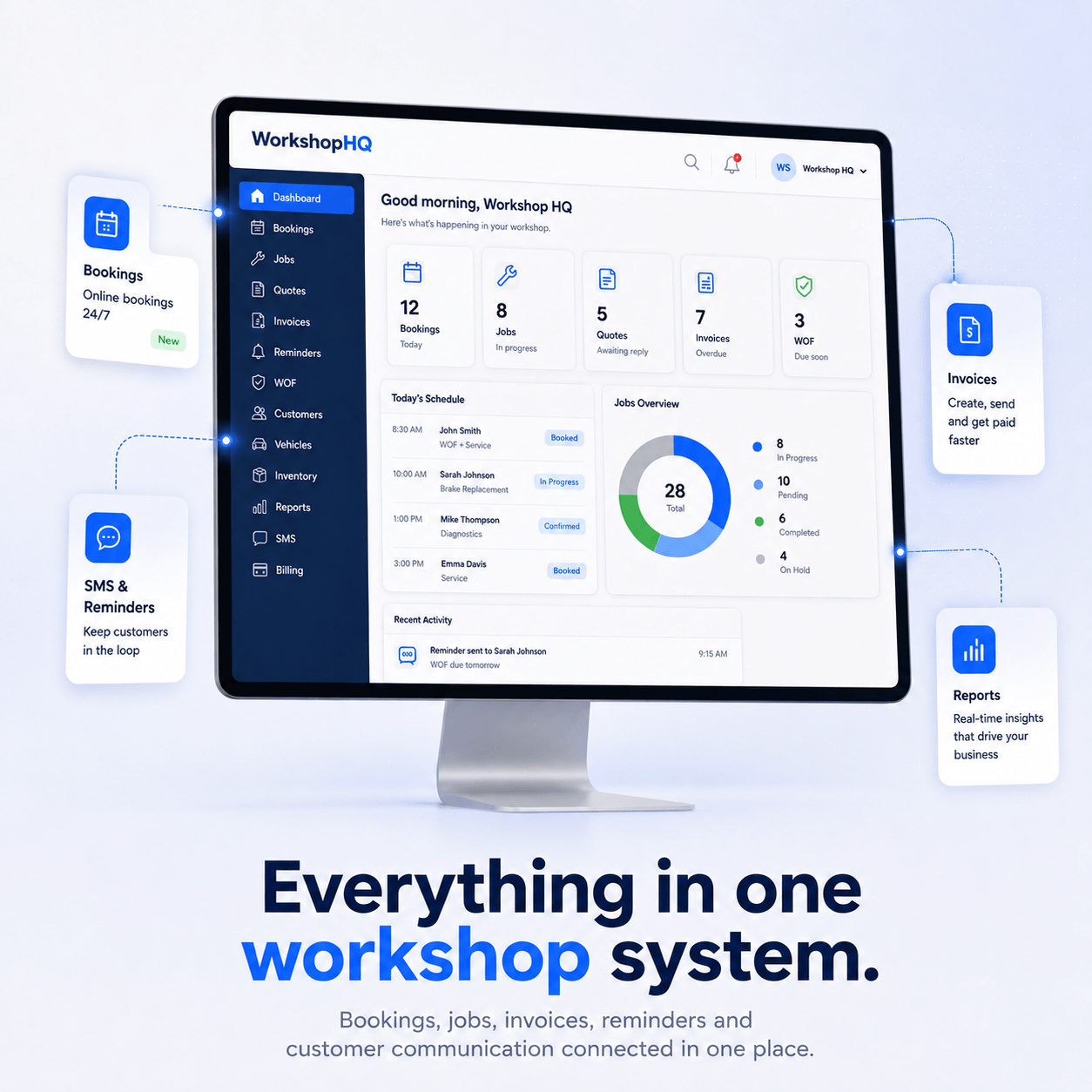
Searching for workshop software NZ can quickly turn into a long feature comparison. The useful question is not which system has the longest list. It is which system fits the way your workshop actually moves a vehicle from the first booking through to completed work and customer follow-up.
Map your workshop workflow before comparing software
Write down the steps your team uses today: booking, check-in, job creation, technician updates, parts, quote approval, invoicing, payment, reminders and future work. Software should connect those steps instead of forcing staff to enter the same customer, vehicle or job information several times.
Check the core records first
- Customers and multiple vehicles per customer.
- Bookings that can become jobs.
- Digital job cards or repair orders.
- Quotes and invoices connected to the same work.
- Parts and inventory where your workshop needs them.
- Service, WOF and future-work reminders.
- Staff permissions and mechanic access.
- Reports built from the same operational records.
Compare the real cost, not only the headline price
Look at how many users are included, SMS or lookup usage charges, paid add-ons, accounting integrations and migration costs. A cheaper entry plan can cost more once the workshop adds the users and features it actually needs.
Ask how data migration works
Before changing systems, find out how customers, vehicles, service history, invoices and reminders can be imported. Run a small set of real jobs through the new platform before cancelling the old system.
How WorkshopHQ approaches the problem
WorkshopHQ is designed around connected bookings, jobs, quotes, invoices, customers, vehicles and reminders, with optional add-ons for specialist workflows. The public pricing page currently lists Starter, Growth and Pro plans so workshops can compare the plan and user count they need.