Cloud-Based Mechanic Software NZ: Benefits, Risks and Buyer Checklist
What NZ workshops should consider before moving from paper or desktop systems to cloud-based mechanic software.
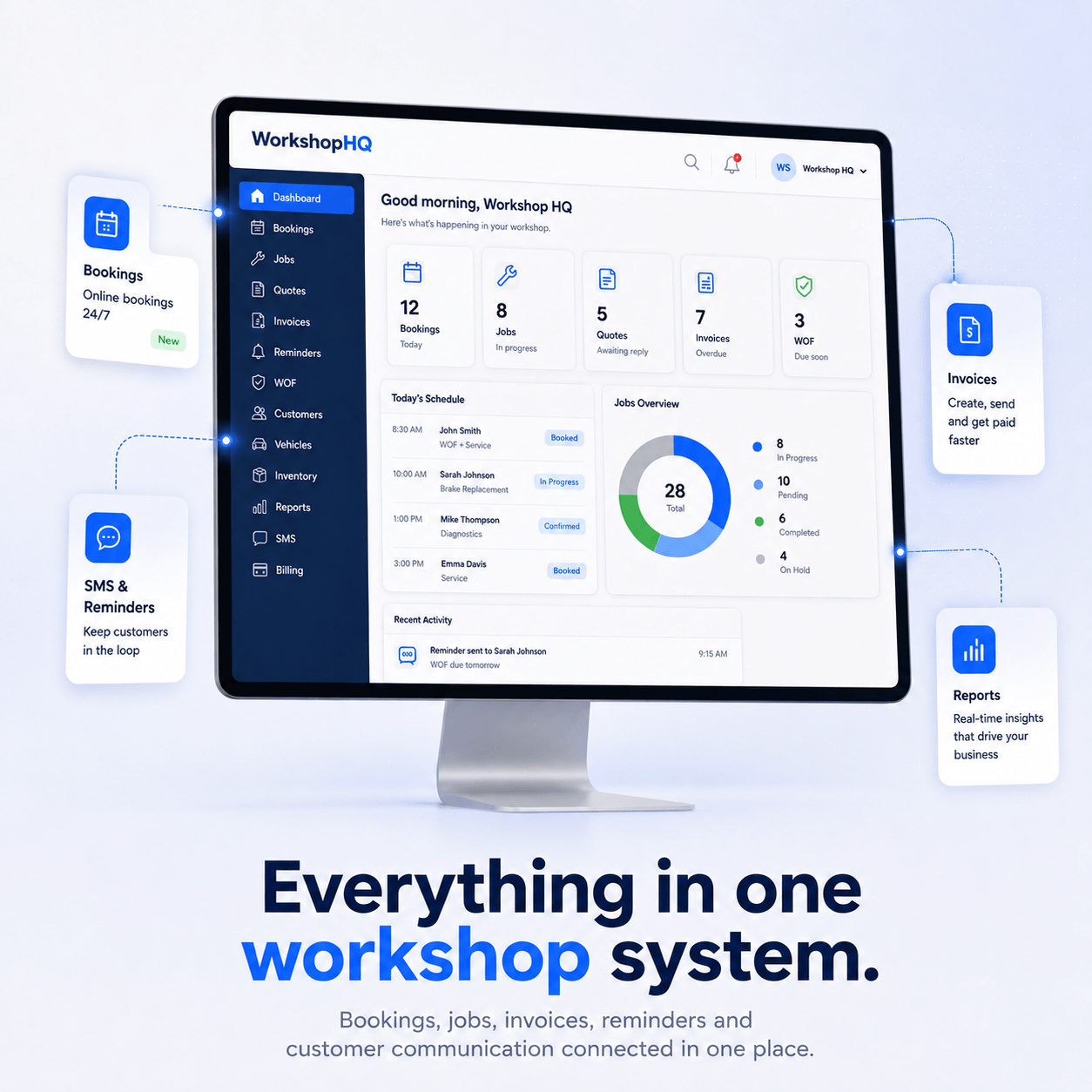
Moving workshop management into the cloud can remove local-server maintenance and make it easier for staff to work from different devices. It does not remove the need to ask good questions about reliability and data handling.
Why workshops move to cloud systems
- One live customer and vehicle record across devices.
- No manual installation on every workstation.
- Easier remote access for owners and authorised staff.
- Updates can be released without desktop upgrade projects.
- Mobile access is easier to support.
Security questions to ask
Ask how accounts are authenticated, how staff permissions are controlled, where customer data is stored, how backups are handled and how the provider responds to security incidents. The strongest feature list is not useful if basic access control is weak.
Performance matters in a busy workshop
Trial the system during the real workday. Search a customer, open a job, add an item, create a quote and prepare an invoice. Cloud software should feel responsive enough that staff do not revert to paper.
Plan the migration before switching
Export your existing customer, vehicle and service history before cancelling the old system. Confirm what the new provider can import and how you will verify totals and records after migration.
Use a trial as an operational test
Do not judge cloud mechanic software only by screenshots. Put real jobs through the workflow and include the people who will use it every day.